Flashing Guide
Firmware installation is intended for experienced users. An incorrect bootloader, target or connection can leave the ESC unresponsive and may damage the hardware.
This procedure restores the archived PhotonDrive bootloader and ESCape32 firmware directly over SWD. The ESC-A-150 is not a current upstream ESCape32 target, so do not install ESC-R-150 files or assume that another target is compatible.
Required hardware
- PhotonDrive ESC-A-150
- ST-Link V2 programmer compatible with STM32CubeProgrammer
- USB cable for the selected programmer
Disconnect the battery and all other external power before connecting the programmer. Remove the propeller and keep the motor secured.
This guide uses an ST-Link and STM32CubeProgrammer. The Prog Tool’s tested Black Magic firmware uses different host software; its ST-Link-style connector does not make it interchangeable in these steps.
Required software
The archived, board-specific bootloader and firmware are available below. They are provided for restoring an ESC-A-150 and receive no new updates.
Download original ESCape32 bootloader Download original ESCape32 firmwareBootloader flashing
The full restore erases the ESC, installs the archived bootloader, and then installs the matching archived firmware. Existing settings will be lost.
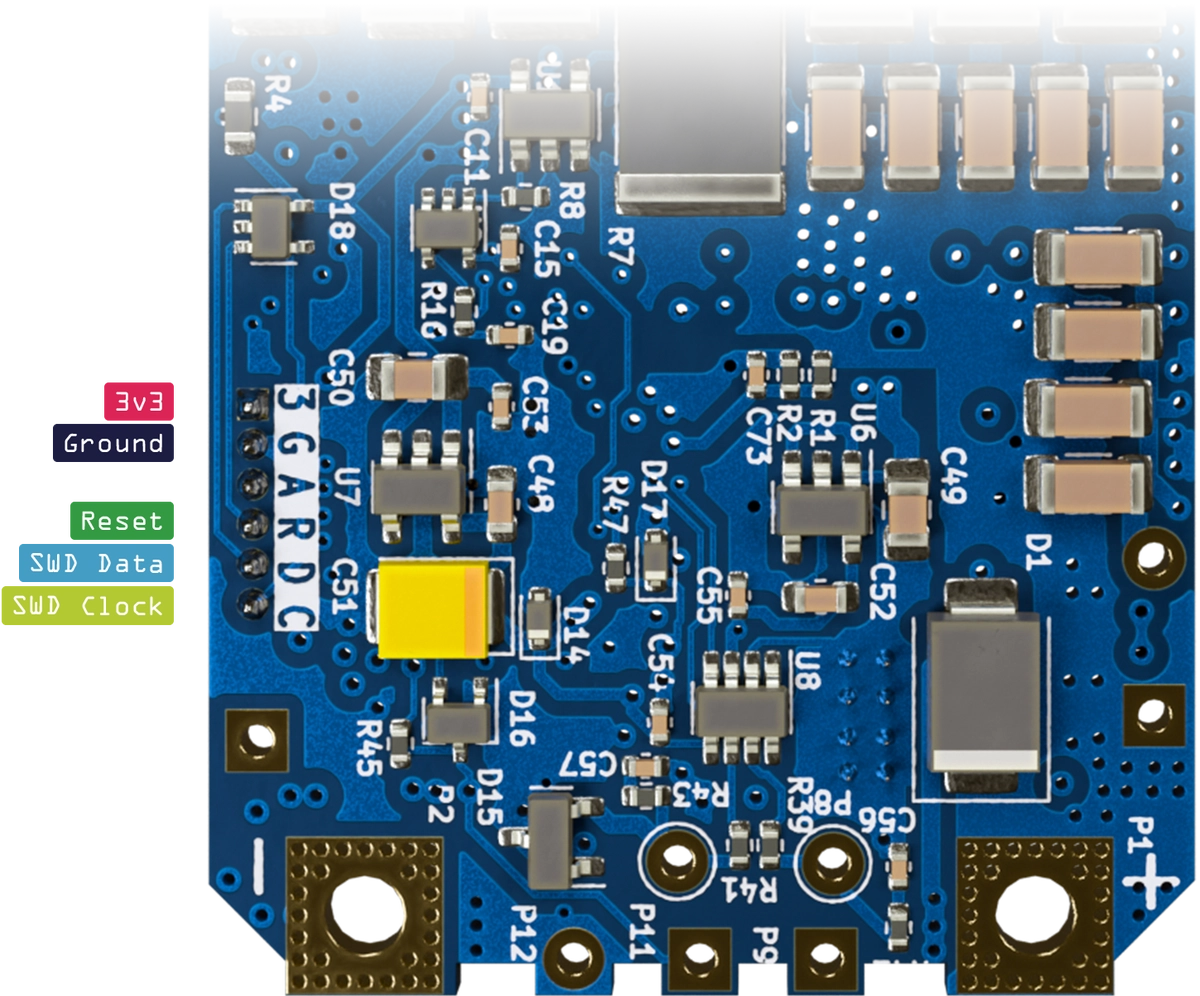
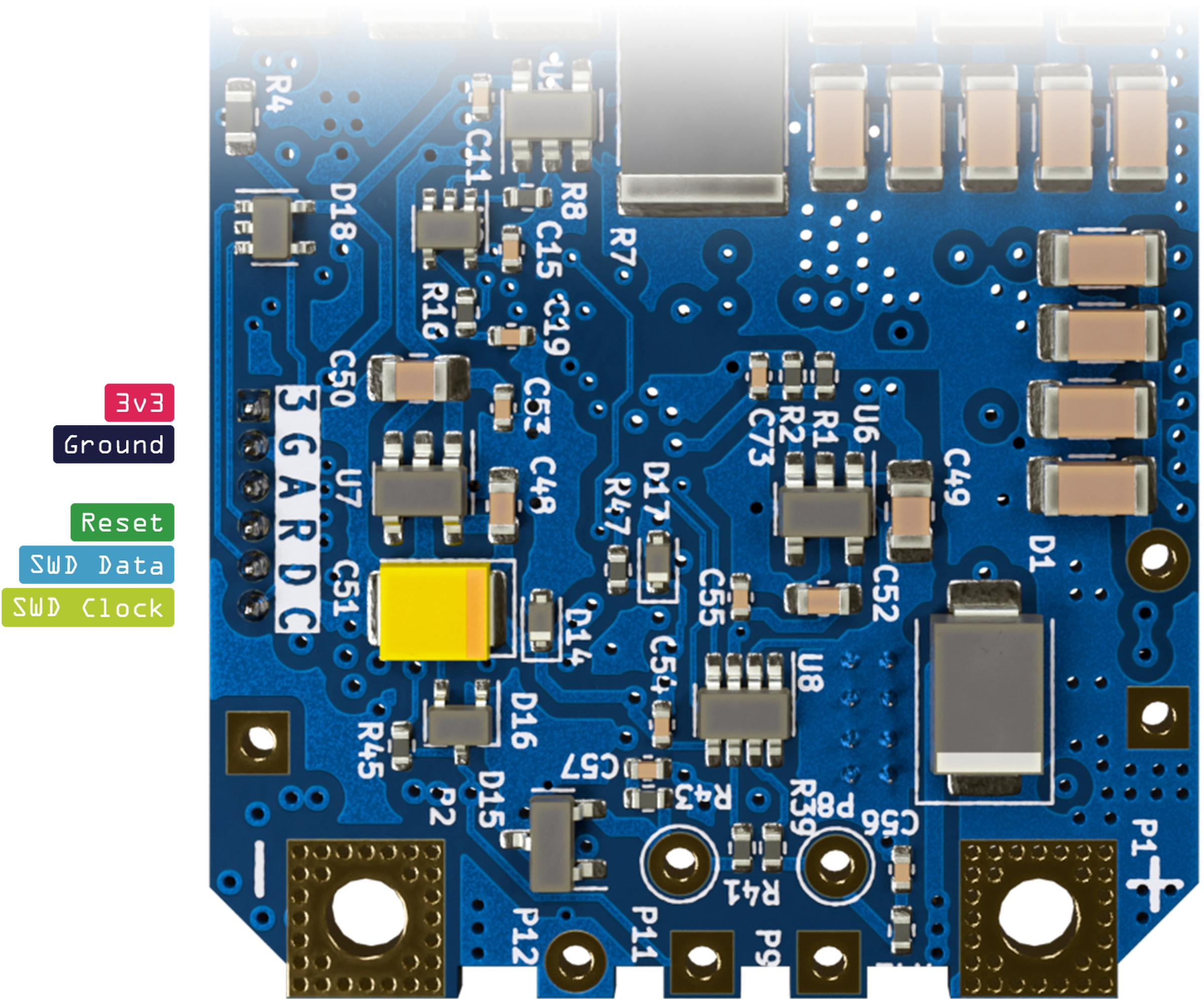
Connect the ST-Link V2 programmer to the ESC’s SWD connector.
- 3.3 V to 3
- GND to G
- RST to R
- SWDIO to D
- SWCLK to C
The connector has ESD protection, but it is not protected against incorrect wiring. Check every pin before connecting USB power.
Connect the ST-Link V2 programmer to your computer.
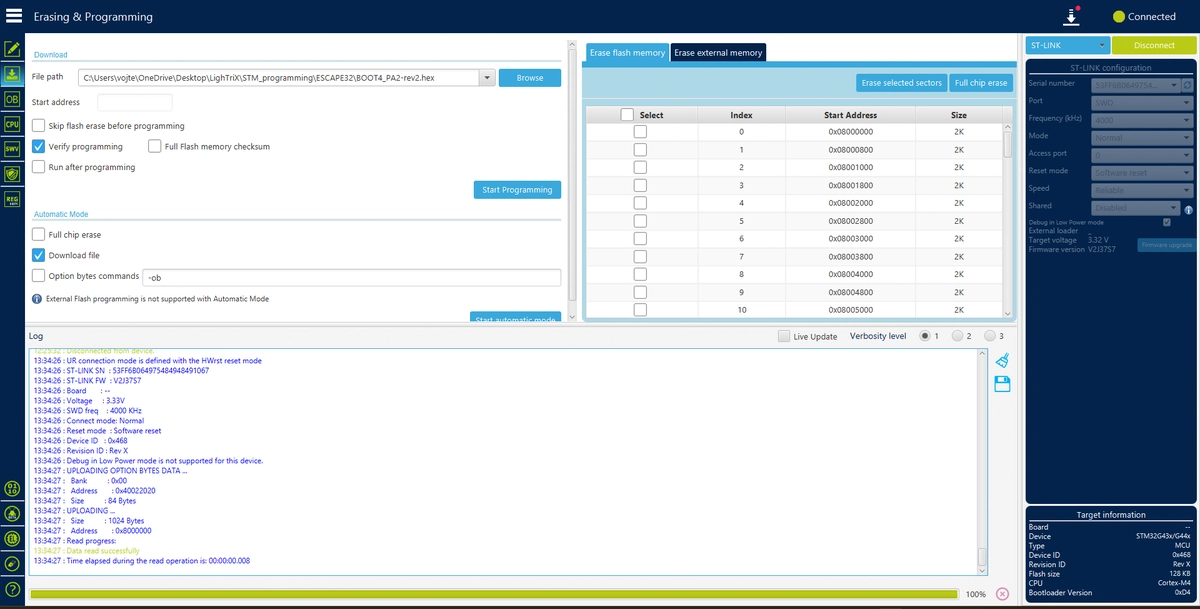
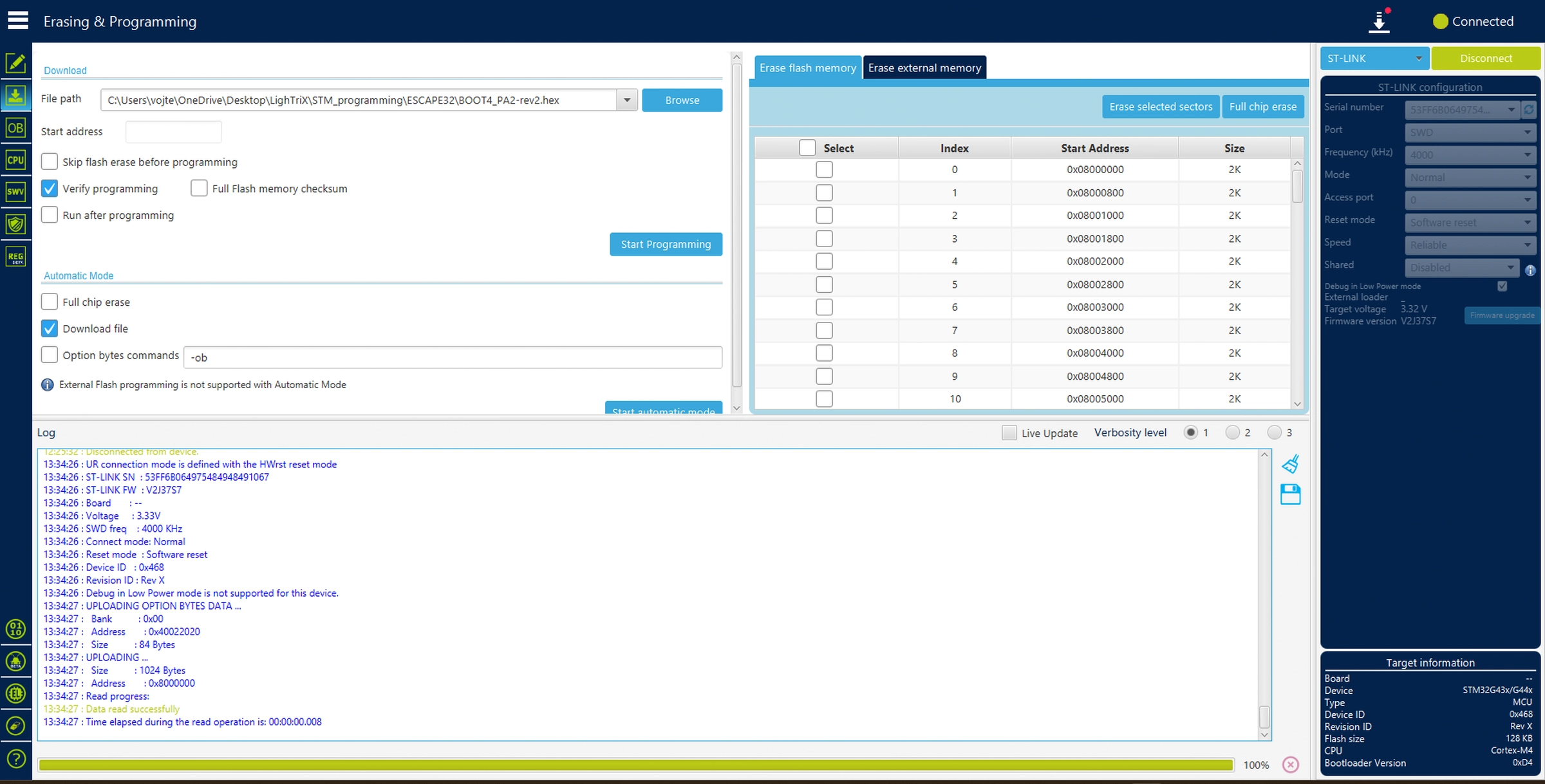
Start STM32CubeProgrammer and select the ST-Link V2 by its serial number.
Click
Connectand wait for the connection to be established.Select
Full chip eraseto erase the ESC’s flash memory.Open
Erasing & Programming, selectescape32-bootloader.hex, and clickStart programming.Without erasing again, select
escape32-firmware.hexand clickStart programming. The load address is already encoded in each.hexfile.Wait for programming and verification to finish.
Open
Option bytes, setBOOT_LOCKunder Secure Protection, and clickApply.Disconnect the programmer before reconnecting the battery or any other external power.
Use the archived bootloader and firmware as a matched pair. Current ESCape32 update tools require a revision 4 bootloader, while the revision of this legacy archived bootloader is not recorded. Restoring both files over SWD avoids that unverified combination.
Other firmware
For another firmware project, use only a build made specifically for the ESC-A-150 and follow that project’s memory-address, bootloader and protection instructions. PhotonDrive does not publish current ESC-A-150 firmware builds.
Disconnect power before changing any wiring.
Need help with your setup? Contact us.